Google says automatic phone verification supports security and Android services, but users report numbers linked across accounts without consent.
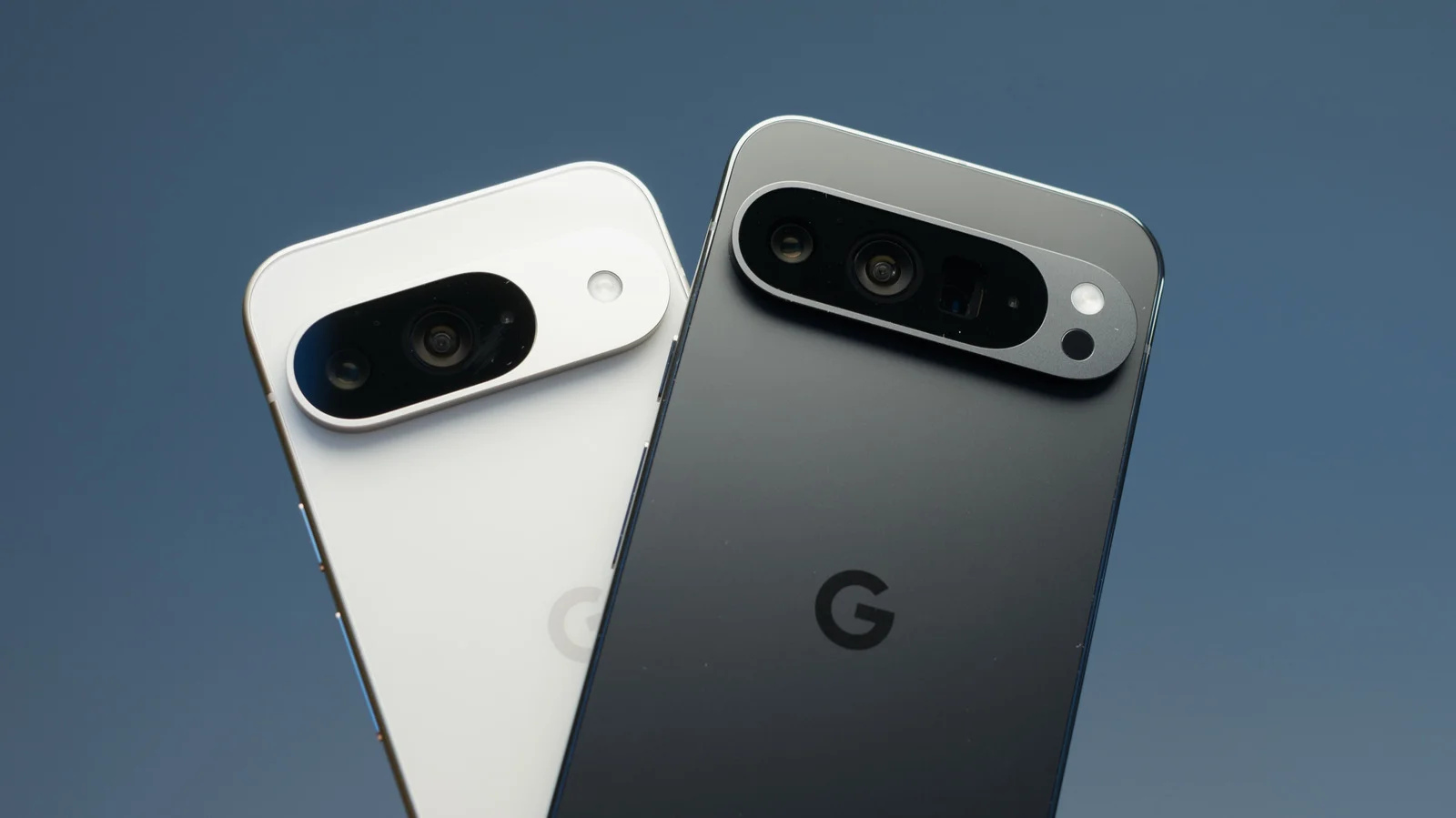
A phone number can connect more than one Google service
Google’s automatic phone number verification puts a familiar tradeoff in focus: the same number can support useful Android features while being attached to Google accounts without a clear prompt. A Reddit user reported receiving an email from Google’s phone verification address saying their number had been linked. They said the number was also connected to other Google accounts on the device, and that Google Play Services shared SIM identifiers and device metadata.
The report raises two related questions: what information the verification process uses, and how clearly Android explains the result to the person using the phone. A number can act as a contact detail, an account recovery option, or a way to connect services. Those roles can overlap, but they aren’t necessarily obvious from a single email saying that a number has been linked. The user’s account is a report on Reddit; on its own, it doesn’t establish how often this happens or whether every Android user will see the same process.
That distinction matters. Automatic setup can reduce friction when a feature depends on a verified number, but it can also leave people unsure which account has the number and what it’ll be used for. This is more significant than it looks: an account association can be easy to overlook precisely because the underlying feature may work without asking the user to make a separate choice at that moment.
Why the reports have prompted privacy concerns
The Reddit account has prompted privacy concerns, with users questioning whether a phone number should be linked without explicit permission. One commenter, mikeyyve, wrote: “There really is no way to have privacy with any online device, it seems. It doesn't matter the platform. It's sad.” The report comes amid broader concerns about personal information circulating online.
The commenter’s frustration points to a broader tension: people may accept that connected devices need some information to provide services, while still expecting a clear explanation before that information is tied to an account. The debate isn’t only about whether verification has a practical purpose. It’s also about whether people can tell what’s happening, understand the consequences, and find a way to change the setting later.
Here’s the thing: a user can find an automatic process useful and still object to how it’s presented. If you’re working in this space, that’s the difference between a feature that quietly works and one people feel they can control. A Reddit thread can surface a real user concern, but it can’t by itself answer how widespread the experience is or explain the technical details behind every account association.
Why Google verifies numbers
Google’s Android support page describes three reasons for automatic verification. It says the process can support security features, including signing in with a phone number, emergency location services and finding a lost device. It can also help people reach users through Rich Communication Services (RCS) messages and video calls, and enable Quick Share.
These examples show why a phone number can matter beyond ordinary calls and texts. Account sign-in and recovery depend on a way to associate a person with an account; emergency location services and lost-device tools are meant to help when a phone or its user needs assistance. RCS and video calls can also rely on knowing which number is associated with a device. Quick Share adds another reason a number might be involved in Android’s connected services.
That said, a list of intended uses doesn’t resolve the question raised by the Reddit report. People still need to know which account a number is connected to and whether that connection is required for a feature they’ve chosen to use. The useful distinction is between explaining why a system checks a number and explaining what happens to it afterward. One doesn’t automatically answer the other.
Google’s stated purposes are practical. The communication around account linking is the less settled part of the story.
What users can check
On Android, open Settings, go to Google > All Services, then select Phone Number Verification and switch it off. Some Reddit users say the setting later turns back on, so check it again periodically. The report doesn’t establish why that might happen or whether it reflects a common experience, so it’s sensible to treat that claim as something users have reported rather than a confirmed account of the setting’s behavior.
If Google has already verified the number, visit the Google personal information page, select Phone or Phone Number, and remove it. Repeat those steps for any other Google accounts on the device. The practical takeaway is to review both the verification setting and each account’s saved contact details.
Those checks address two different places a number may appear: the Android verification control and the contact information saved to an account. Looking at only one may leave the other unchanged. If you share a device with several accounts, reviewing each one can help you understand where the number is listed. A small bit of housekeeping, but useful.
What this means for users
For users, the immediate issue is visibility. A notification that a number has been linked can arrive after the association has happened, leaving the person to work out which account is involved and what action is available. Clearer explanations at the point of setup would make the tradeoff easier to assess, especially when a number may connect several services.
For Google, the report puts attention on whether the controls are easy to find and whether users can tell when their settings change. The company had not publicly responded to the reports or said whether it would change the process at the time of publication. That leaves important questions open, including how the reported account linking occurred and whether the setting turning back on reflects expected behavior.
And yet, users don’t have to wait for those questions to be answered before reviewing their own accounts. Check the verification control, check the saved phone details, and repeat the review across accounts on the device. (And this is the part most people overlook.)
Useful features, unclear control. That’s the tension at the center of this report.
Discussion
Sign in to join the discussion.