Discover the essential differences between Android Auto, which mirrors your smartphone, and Android Automotive OS, a standalone operating system in vehicles.
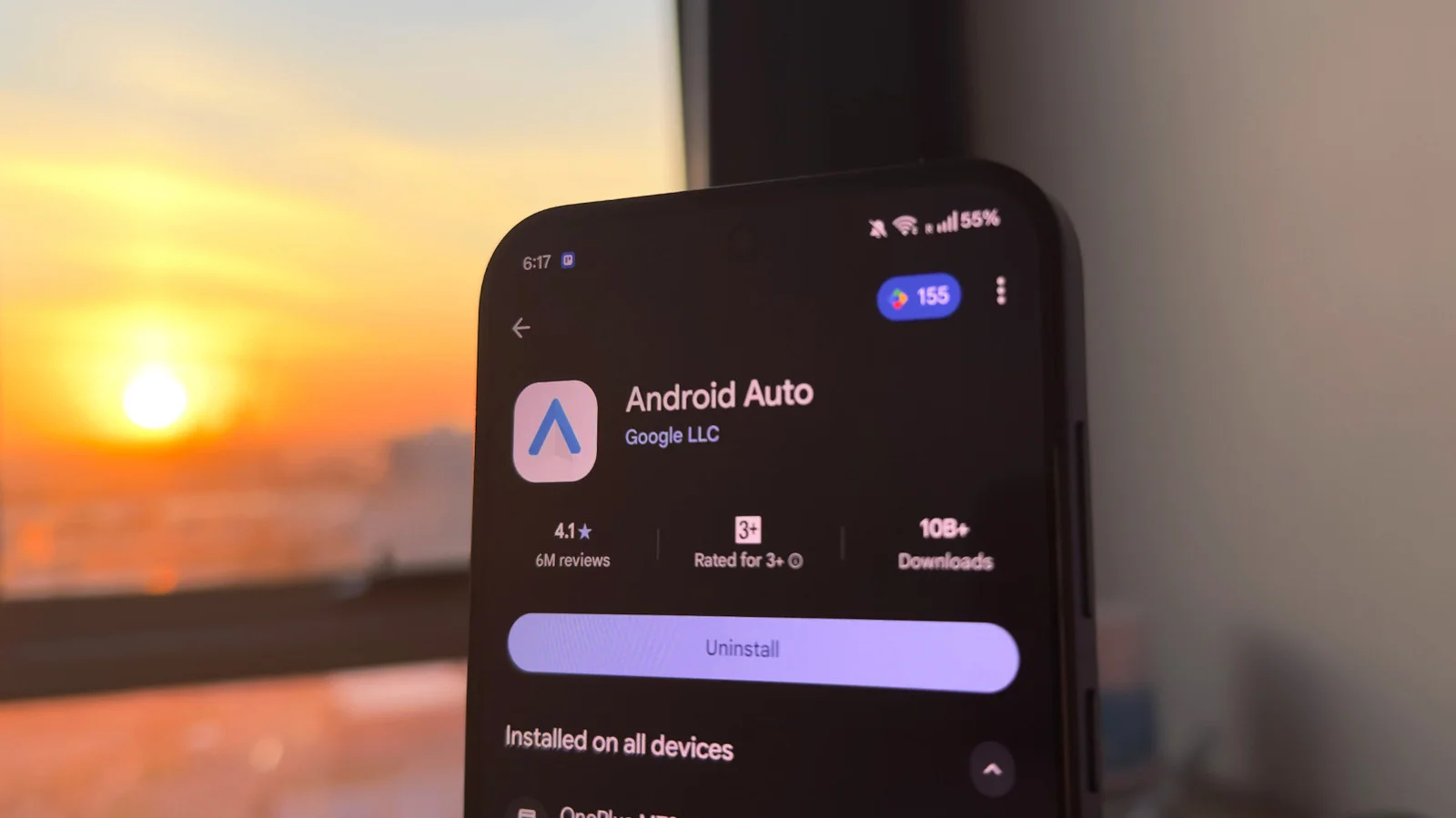
Infotainment systems can often feel cumbersome, especially with poorly designed interfaces that frustrate drivers. Thankfully, solutions like CarPlay and Android Auto streamline this experience by allowing your smartphone to enhance your vehicle's capabilities. But as we’ll see, the difference between these platforms is more than skin-deep; they cater to different user needs in distinct ways.
Android Auto's Evolution
Launched in 2015, Android Auto was designed to mirror the smartphone interface on supported car models, enabling access to key apps and features. This initial offering was relatively basic, but over the years, the platform has undergone significant enhancements. These updates included broader app support, wireless connectivity options, and user interface improvements specifically designed for distraction-free driving.
Initially, apps were limited to a few select categories. As demand grew, more applications entered the ecosystem, expanding functionalities beyond navigation and music. Features like voice commands and customizable shortcuts have been progressively integrated, allowing for a more personalized experience. This adaptability has solidified Android Auto's position in the market, creating a reliable option for those who gravitate toward a smartphone-centric experience.
Understanding the Nuances of Android Automotive OS
What’s essential to grasp is the distinction between Android Automotive OS and Android Auto, despite their similar names. Android Automotive runs directly on the car's hardware, which means it doesn’t require a smartphone connection to function. This differentiation is significant. It signifies a shift from merely complementing existing systems to becoming the core operating system of the vehicle itself. Google emphasizes, “Android Automotive is Android,” which clearly shows it’s not simply a variation of Android but a fully-fledged platform developed for automotive use.
Manufacturers can choose to integrate Google Automotive Services (GAS), a suite of essential Google applications like Google Maps and Google Assistant. This integration reflects how manufacturers can build tailored features and interfaces into their cars, enhancing user engagement. However, they aren't obligated to include these services, which creates an inconsistency in user experience across different models. Such flexibility allows various brands to establish their unique ecosystem surrounding the vehicle interface.
The advantages of Android Automotive are multifaceted. No longer will you need to connect your phone every time you enter your vehicle, which can be particularly useful on long journeys. Additionally, the OS can obtain real-time vehicle data, such as speed and battery levels, to adapt features and functionalities accordingly. And this is the part most people overlook: significant enhancements to convenience and usability backed by real vehicle intelligence. In cars equipped with Google services, drivers could interact with features like climate controls through voice commands. That minimizes distractions and keeps the focus on the road.
The Familiarity and Accessibility of Android Auto
Unlike the need for deep integration seen in Android Automotive, Android Auto continues to be the more widely adopted solution across the automotive sector. Many manufacturers now offer compatibility, allowing users to connect their Android devices without limiting their choice of vehicle to a specific operating system. Google claims Android Auto is compatible with over 500 car models, illustrating its extensive reach. If you're working in this space, you’ll appreciate how this compatibility simplifies user choices.
When you plug in your device, your apps, media, and messages are accessible via the car’s infotainment screen. This setup creates a near-continuum between your phone and vehicle. To use Android Auto, you’ll need an Android phone running version 9.0 or newer. Additionally, while you can connect via USB, many newer models support wireless connections as well.
A notable advantage of Android Auto is the continuous delivery of updates, along with the addition of new features. This keeps the platform functional and relevant, as users can periodically discover new tools and functionalities. They can also access a variety of Android Auto apps from the Play Store. These apps can enhance the driving experience through features like fuel tracking or podcast streaming directly on the car’s interface.
Future Outlook: What's Next for These Platforms?
Ultimately, while Android Auto delivers a user-friendly, smartphone-integrated solution across diverse vehicle options, Android Automotive OS offers a more immersive experience tailored for vehicles themselves. Choosing between them hinges on whether you value smartphone flexibility or the deep integration an automotive OS can provide. As technology continues to evolve, it’s reasonable to expect both platforms will expand their functionalities.
This is particularly relevant as automakers increasingly invest in connected car technologies. Next-generation vehicles might incorporate artificial intelligence to anticipate driver needs, suggesting routes or features based on user behavior. This level of interaction could redefine how we perceive driving and connectivity. The landscape is shifting, and both Android Auto and Android Automotive are at the forefront of this transformation, poised to shape the future of how we engage with our vehicles.



Discussion
Sign in to join the discussion.